With our sidebar form position, you can create forms that slide in from the two sides of your website.
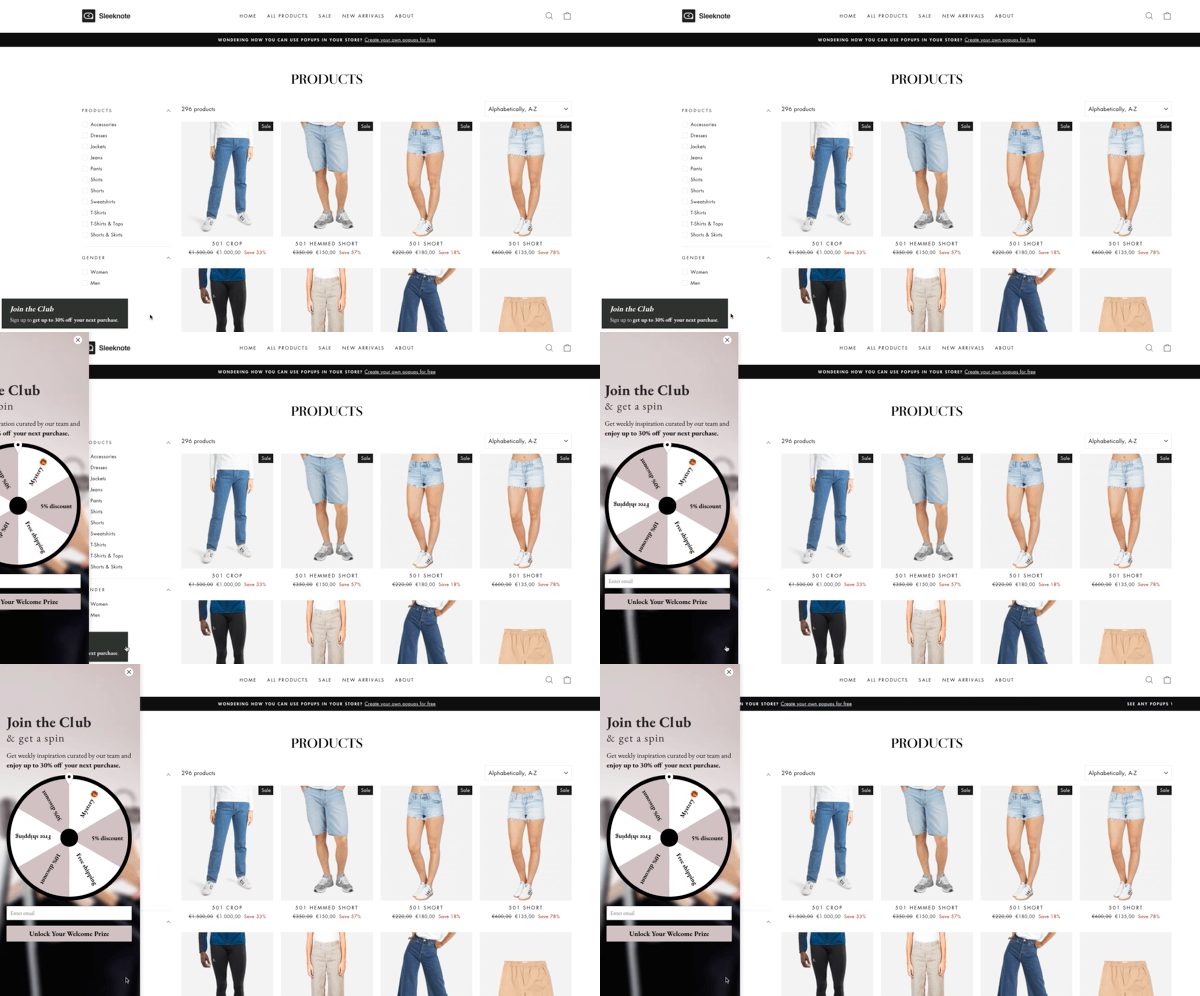
You can use the sidebar position to collect email addresses and increase product sales.
Using the sidebar position on desktop doesn't impact your mobile forms.
To create a sidebar form, visit your builder’s first step and select bars.
Here you can choose from our pre-designed form templates or design your form from scratch.
To see blank forms you can design, disable the "Themed templates" option.
After selecting the template, click “Continue” and move to the position selection step.
Choose between left and right positions, and click “Continue.”
💡 Note: Your teaser will show on the same side as your sidebar form.
Use the editor to customize your form to match the look and feel of your website, and add the input fields you need.
Set up your triggers, targeting options, integration, and set your form live—just like any other form.
⚠️ Note: Multistep forms aren’t currently available at the sidebar position.