You can easily show YouTube videos in your Onsite Pop-ups.
To get started, go to the Design step in your form builder, and follow these steps:
- Click "Add Elements" on the right-side menu.
- Find the element called "YouTube" and drag it onto the form with your mouse:
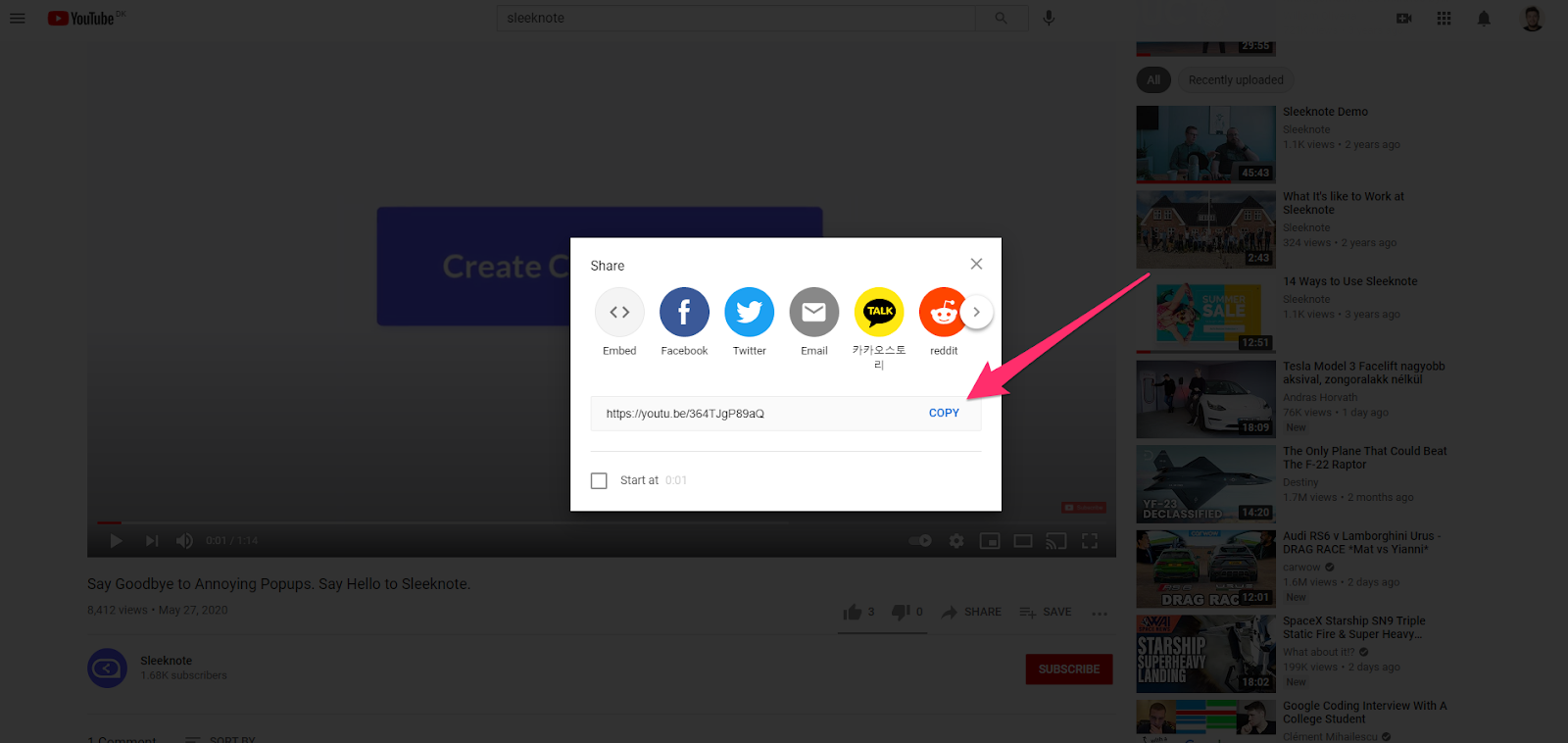
3. Next, find the URL of the YouTube video that you want to show. You can do this by clicking the "Share" option and copying the link.

4. Insert the link into the field in Onsite and your video will now show in the form.
🎥 Are you using a video platform other than YouTube? Embed your videos with the Custom Code element, instead.