With our preview option, you can see your form in action before it's live. You can also share this link with your coworkers, so they can see the form in advance, too.
💡 Tip: You don’t need to activate your form to preview it.
When you submit an email address or any other information in preview mode, this data won’t be sent to our servers and no events will be sent to Google Analytics. It’s simply for visualization purposes.

You can click “Reload campaign” anytime to make the form appear again.
You can preview your form both on your domain, on a subpage of the domain, or on a blank page. Here’s how to do each.
Preview on Your Domain
Click “Share Preview” in the upper-right corner of your form builder:
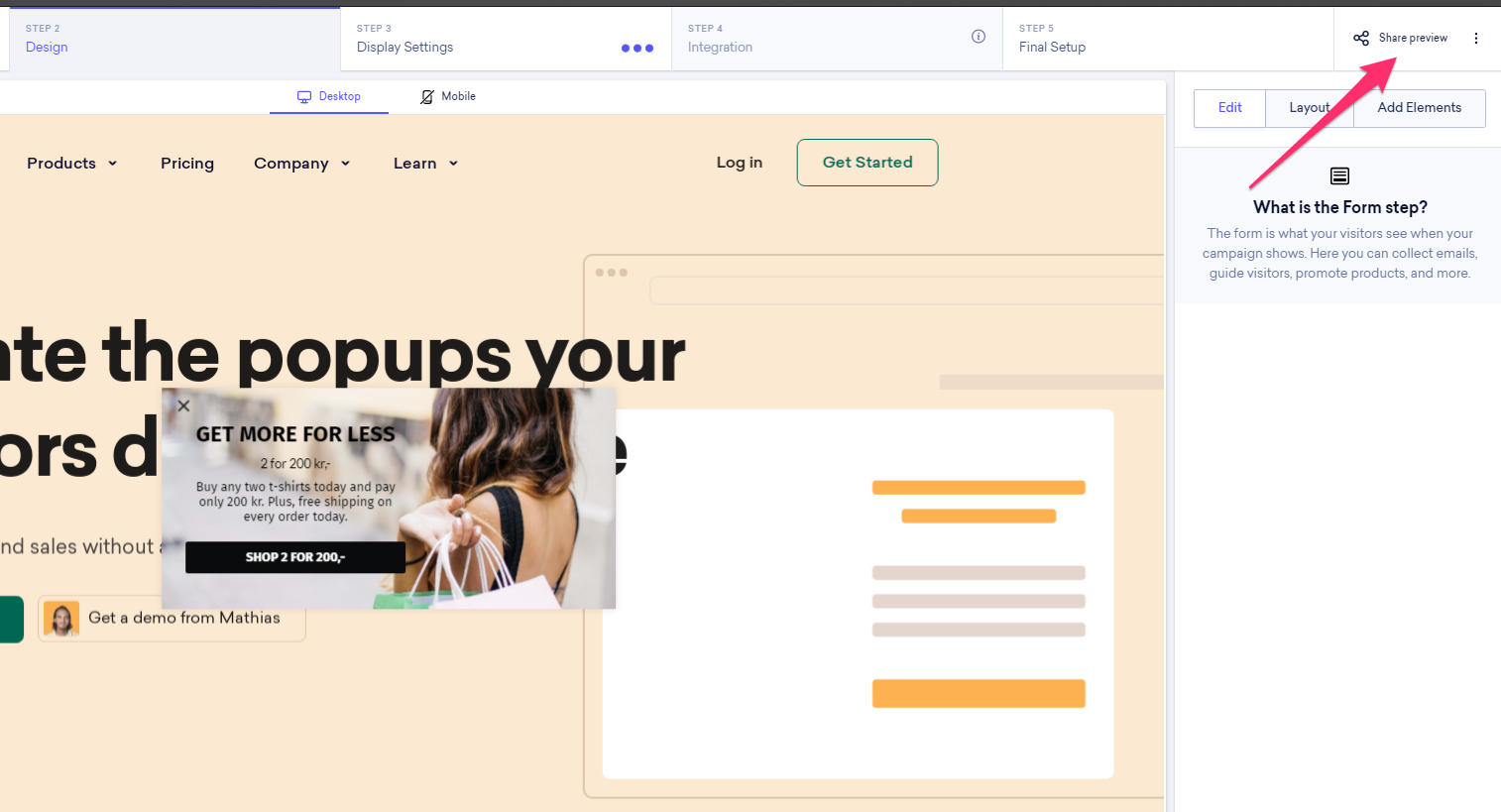
Without checking any of the boxes, simply click “Copy Preview URL”. We generate a link that looks like this: website.com/?snpreview=...

Following this link takes you to your domain, where you can preview the form.
Note: Any triggers you've enabled won't apply in preview mode - the form will always trigger after a few seconds when you're previewing it.
Preview on a Specific Page
If you want to preview your form on the subpage it will show on, or share it with coworkers for design approval, you can use this option instead.
As above, click “Share Preview” in the upper-right corner of your Onsite pop-up builder.
Check “Display on Specific Subpage” and enter the URL you’d like to preview your form on.
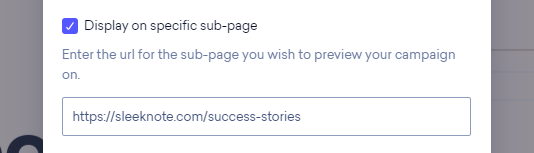
Then, click “Copy Preview URL” and you’ll get a link that looks like this: website.com/subpage-subpage?snpreview=...
Tip: Are you seeing the domain twice? Insert your URL with https:// in the beginning.
Now you can preview how your teaser, form, and success step will look on a specific subpage.
Preview on a Blank Page
If you only need to see how your Onsite pop-up looks outside of the builder, you can use the blank page option.
As above, click “Share Preview” in the upper-right corner of your form builder.
Check “Show preview on a blank page” inside the yellow box.

Then, click “Copy Preview URL” and you’ll get a link that looks like this: https://preview.website.com/index.html?...
Follow this link and you can preview your teaser, form, and success step.
Targeting options, such as geo-targeting or newsletter subscribers, are ignored in the preview to make sure that you can see your forms.